
Team note
Write a short message about a fictional team meeting.
Self-check: Include a heading, date or time, place and a specific request.
Practise the basics in a simplified Word-like application. Click through seven steps, then apply what you have learned in real Word.

Write a fictional team note, format the heading, add two list items, then save and reopen the document within the simulation. No personal data is needed.
Important: This is a learning simulation, not Microsoft Word. It creates no file on your device; reloading the page clears your practice progress. Word on Windows, Mac and in the browser may look different.


Only the selected text changes; the finished heading is readable
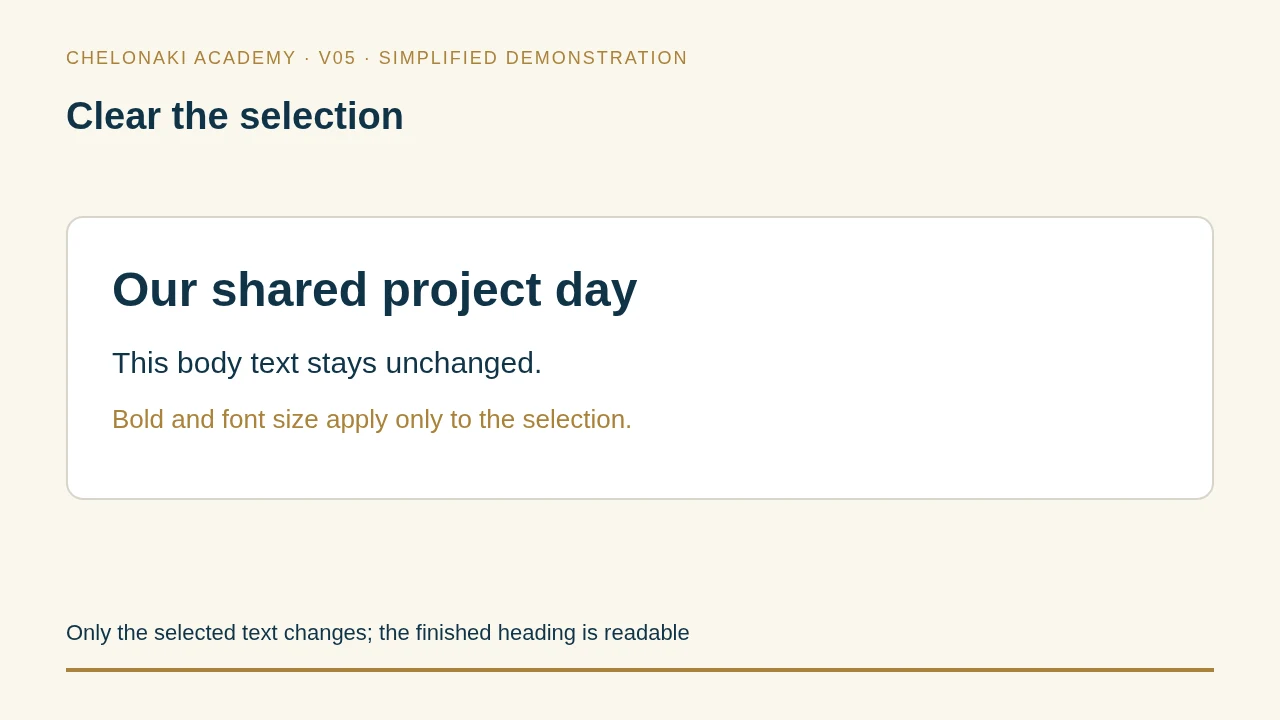
The current task appears beside the practice interface. You can try the steps without signing in.
No document has been saved in this exercise yet.
Start with “Blank document”.
Open Word on your device. Use invented names and appointments. Check every completed file by closing and reopening it.
Write a short message about a fictional team meeting.
Self-check: Include a heading, date or time, place and a specific request.
Write a friendly message saying that an invented appointment has been rescheduled.
Self-check: The old and new appointment times are clearly distinguishable.
Record three fictional meeting outcomes as a short list.
Self-check: Each point contains exactly one understandable idea.